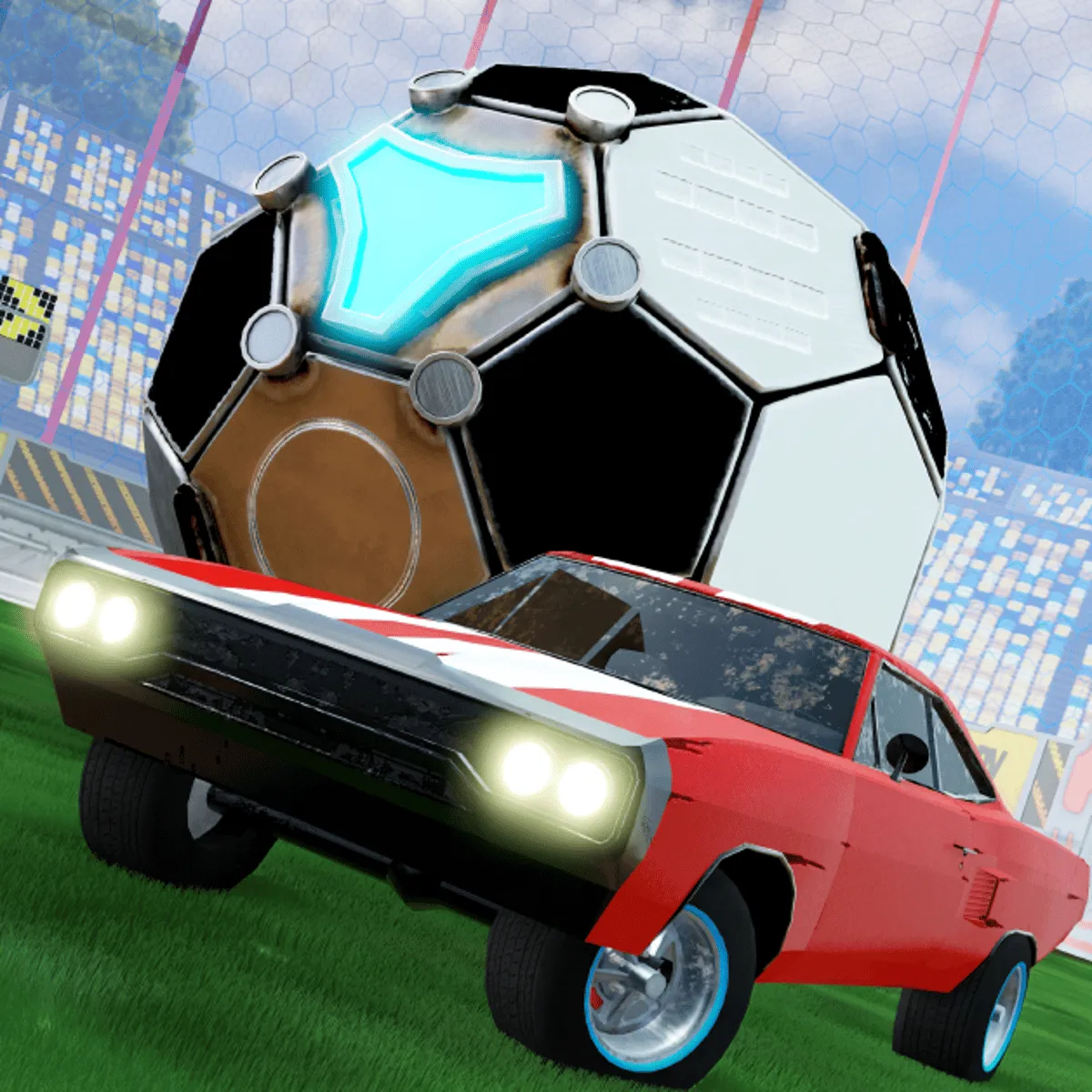
Welcome to Rocket Soccer Derby, an exhilarating fusion of soccer and racing that takes the excitement of both sports to new heights. In this high-octane game, players control rocket-powered cars to score goals and outmaneuver opponents on a dynamic arena. With its unique gameplay mechanics and vibrant graphics, Rocket Soccer Derby offers a thrilling experience for both racing and soccer enthusiasts.
In Rocket Soccer Derby, your objective is to score goals by driving your rocket car into the giant soccer ball. Use your racing skills to navigate the arena, outpace your opponents, and execute strategic maneuvers to gain an advantage. The game features various modes, including single-player challenges and multiplayer matches, allowing you to test your skills against AI or real players.
Desktop:
Mobile:
To excel in Rocket Soccer Derby, consider the following tips:
Q: Can I play Rocket Soccer Derby solo?
A: Yes, the game features single-player challenges where you can practice and improve your skills.
Q: Is there a multiplayer mode?
A: Absolutely! You can compete against friends or players from around the world in thrilling multiplayer matches.
Q: What platforms is Rocket Soccer Derby available on?
A: Rocket Soccer Derby is available on both desktop and mobile devices, making it accessible for everyone.
Q: Are there different vehicles to choose from?
A: Yes, players can unlock and customize various rocket cars to enhance their gameplay experience.
Use arrow keys or WASD to drive, spacebar to boost (desktop); use on-screen joystick and buttons to control (mobile).